

Android Help at Wellington Library Set for November 10 |
Adults can call to reserve a 30-minute session for apps, settings and Android basics |
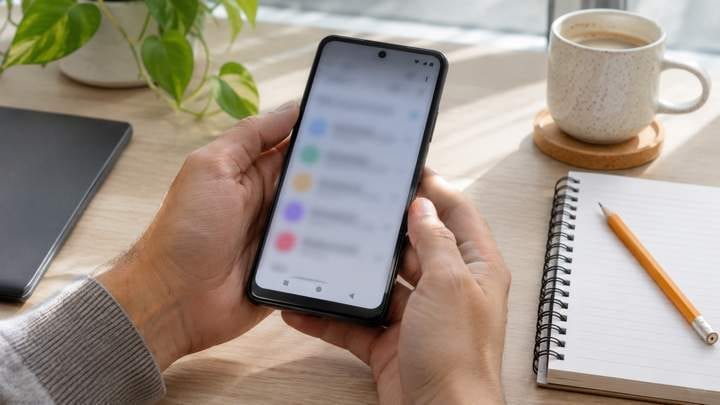
A small phone question can interrupt an otherwise ordinary day, whether you are trying to find a setting or understand an app. Wellington Branch library’s Tech Talk: Android Basics program offers adults a local opportunity to ask for help. The November 10 event uses individual appointments, so advance registration is the useful first step.
Reserve a half-hour appointment
The official event listing schedules the program for Tuesday, November 10, from 10 a.m. to noon. It describes one-on-one help with apps, settings, and other Android basics in a 30-minute session. The two-hour listing is the overall program window, not the length of each appointment.
Call 561-790-6070 to preregister and ask about current availability. Confirm your assigned time and any arrival instructions when speaking with staff. A calendar reminder does not reserve a slot, and the event page does not promise that someone arriving without an appointment can be accommodated.
Choose a question you can explain
Before calling or attending, identify what you want to do on the device and where you get stuck. A specific example is easier to discuss than a broad request to learn everything about a phone. Write down one or two priorities so the most useful question comes first.
You might want to understand a setting you cannot locate or ask how an app feature works. These are examples of ways to frame a question, not a promised list of services. Tell staff what device and issue you have so they can advise whether the session is suitable.
If a problem happens only occasionally, note what you were doing when it appeared. Record the wording of a message if you can do so without capturing private information. Avoid making major changes just to recreate a problem before you have had a chance to explain it.
|
 |
Ask about preparation
Check whether staff want you to bring the phone, a charger, or any other materials. Charge the device before leaving and make sure you know how to unlock it yourself. Keep personal passwords private and handle any account sign-in personally if it becomes relevant to a question.
The listing describes basic help rather than a repair service. It does not promise hardware work, data recovery, account recovery, or resolution of every technical issue. If your concern involves one of those areas, ask the branch whether the appointment can help or whether another kind of support is needed.
Know where to go
The program is listed in the Conference Room at Wellington Branch, 1951 Royal Fern Drive. The branch page lists Tuesday opening hours as 10 a.m. to 9 p.m. Those are building hours; attend at the appointment time staff confirms rather than treating the entire day as drop-in technology help.
Wellington Research is listed as the event contact at refwel@pbclibrary.org and 561-790-6070. Ask about access needs or anything that could affect your visit. If another adult is helping with transportation, share the confirmed appointment time and address rather than only the overall event window.
Leave with a useful reminder
During the appointment, consider taking brief notes in your own words. Ask whether you can repeat a demonstrated step yourself before leaving, if time and the session format allow. A short reminder that makes sense to you may be more useful later than trying to remember every detail at once.
For other options, browse the Wellington events calendar and check each program’s requirements separately. Revisit the November 10 listing before attending and notify staff if your plans change.
Images are AI-generated technology-learning illustrations, not photographs of the library session or its participants. Official library information checked November 6, 2026. |
8 Comments
Join the conversation
I took my mom to the Wellington library for help once. Knowing her Android model ahead of time made it much easier to explain the problem.
Thanks for sharing that experience. Telling staff your mom’s Android model and what she needs help with can help them advise whether this session is a good fit.
Are the half-hour slots likely to fill up quickly? The 10 to noon window sounds generous until you realize each person needs an appointment.
Ray CollinsI’d call sooner rather than later. Those half-hour slots could go fast, and the listing doesn’t say how many are available.
The listing doesn’t say how quickly appointments fill, so it’s best to call 561-790-6070 to ask about current availability and preregister.
The one-on-one format sounds helpful. I always forget where a setting is, so I would bring the phone and write down the question first.
That’s a great way to prepare. Bringing the phone and writing down your question can help you make the most of the 30-minute appointment.
Linda M.Writing it down is smart. I always remember what I wanted to ask right after I leave.