

Photo Scanning at Wellington Library Set for November 5 |
Reserve a digital preservation session and prepare family photos and documents |
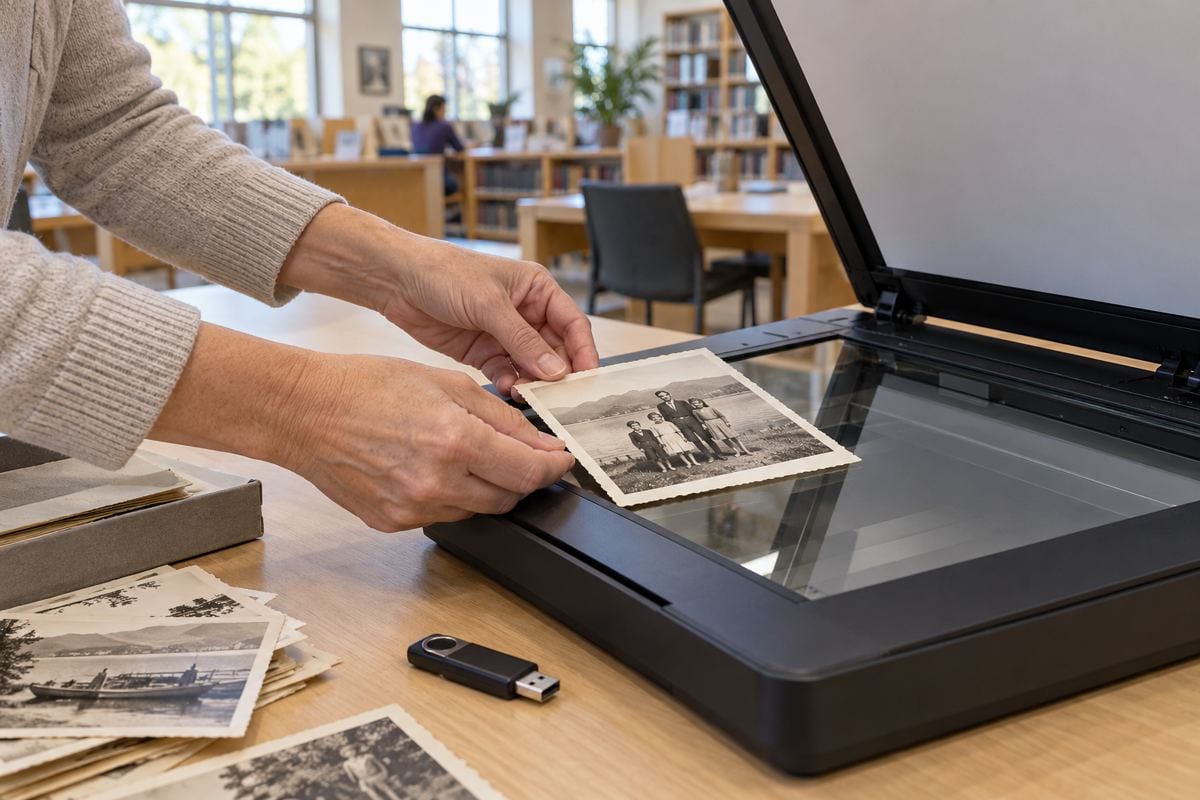
Photo scanning at Wellington Branch on November 5 gives residents a reason to open that box of family pictures and choose a small project they can actually finish.
The library’s Digital Preservation: Scanning Photos & Documents program is scheduled for Thursday, November 5, 2026, from 2 to 3:30 p.m. in the conference room.
Registration is required, and participants must reserve a 20-minute time slot by calling the Research Department at 561-790-6070.
The listing asks participants to bring a USB flash drive and up to 100 documents in good condition.
The branch is at 1951 Royal Fern Drive in Wellington.
Call to confirm availability and ask about your materials before making the trip.
Choose a small collection first
A single family occasion, a short run of school photographs or a few letters can make a manageable starting point.
You do not need to resolve every unsorted envelope before deciding which items matter most.
Put your highest-priority pieces first so the appointment begins with the material you most want copied.
Treat the stated document limit as a ceiling, rather than a promise that every item will fit into one appointment.
If you have large pages, fragile photographs, bound albums or unusual materials, describe them when you call.
Ask staff what can be accommodated rather than trying to separate or flatten a delicate original yourself.
Preserve the story as well as the picture
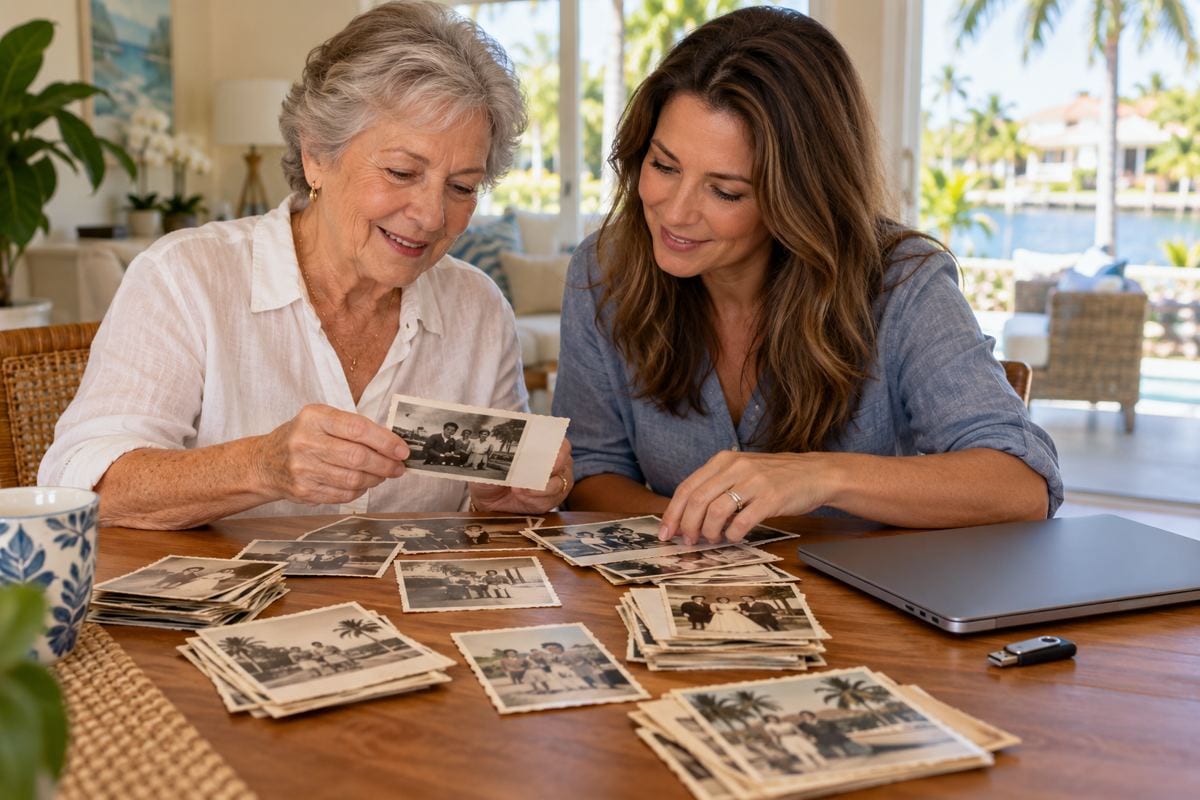
A digital photograph becomes more useful when someone can identify the people, place and occasion.
Before your visit, jot down what you already know and mark uncertain details as uncertain.
A possible date is still helpful when it is clearly labeled as an estimate.
Invite relatives to help identify a face or location, but keep their recollections separate from information written on the original.
That small distinction can prevent a guess from becoming an unquestioned family fact.
Keep notes with the group of photographs so the connection survives the move from paper to files.
|
 |
Plan what happens after scanning
The Library of Congress’s personal archiving guidance recommends descriptive file names and an organized approach to keeping digital photographs.
A file called FamilyPicnic_1998 is easier to recognize than an unexplained string of numbers.
Use a naming pattern you can repeat, and avoid putting an exact date in a filename when you do not know it.
Create a folder for the project and keep any identification notes alongside the images.
Open the files after the appointment to check that they display correctly and that important edges or details are visible.
Ask about any problems while the originals are still easy to find.
Make another copy and keep the originals
The National Archives recommends three digital copies on two different types of storage, with one copy kept elsewhere.
A flash drive can bring files home, but it should not become the only place the collection exists.
Choose a backup arrangement you understand and can maintain, and periodically check that the files still open.
Scanning also does not require throwing away the original photograph or letter.
Keep paper items together with their identifying information and avoid treating digitization as a substitute for thoughtful care.
Reserve before you pack
The immediate task is simple: call the branch, confirm a slot and ask any questions about the items you hope to bring.
Then gather a prioritized selection, the required drive and a short set of identification notes.
A modest project can give Wellington families a useful beginning without turning one library appointment into an overwhelming archive overhaul.
The accompanying AI-generated images are illustrations, not photographs of the actual program, library interior or participants. |
14 Comments
Join the conversation
I would rather scan the oldest pictures first than sort everything by occasion. Some of ours are already starting to fade.
Patricia W.I would start with the fading ones too. You can sort the digital copies by occasion later.
Do not forget the USB drive. I made it all the way to the Wellington Branch once without mine.
Luis MorenoI did that at another library. The drive is going in my bag the night before this time.
A good reminder, participants are asked to bring a USB flash drive. It’s worth putting it with your photos before the appointment.
My aunt wrote names on the backs of our family photos, and I am glad she did. Half those faces would be a mystery now.
Ellen R.My grandmother did the same thing. Even her little question marks have helped us figure out who was who.
Your aunt left a wonderful gift for the family. Those names help preserve the stories behind the faces.
Does anyone know if they can scan photos that are still in an album? I will ask before trying to take mine out.
kim_87Good call asking first. I have an album with pages that stick, and I would hate to damage a photo pulling it out.
A hundred documents sounds like a lot for a 20-minute slot. I would bring the ones I care about most first.
I have a box of old school photos that would be perfect for this. Starting with one class year sounds manageable.
One class year sounds like a great starting point. Put the photos you most want copied first, since a 20-minute slot may not fit everything.
Maria G.One class year is a good place to start. I bet a few classmates would enjoy seeing those photos too.