

Wellington Alerts: A Guide to Local Notification Signups |
Review AlertPBC and emergency notifications alongside Village subscriptions |
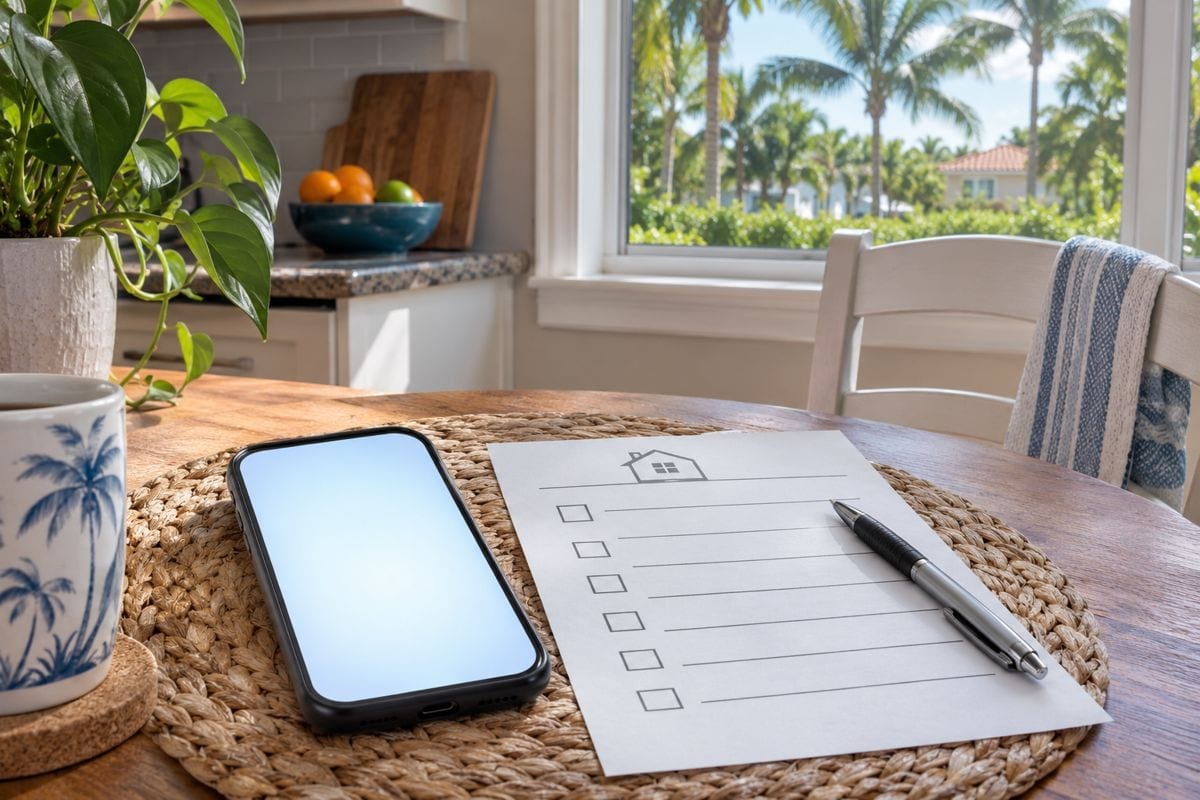
Keeping up with Wellington alerts is easier when you know which service you signed up for and what information it is meant to deliver.
The Village’s published guidance points residents toward AlertWellington, while Palm Beach County operates AlertPBC for emergency notifications.
Wellington also offers Notify Me subscriptions for selected notices, alerts and calendar information.
These are useful places to review your contact preferences before you need an update in a hurry.
Start with official signup routes
The Village’s hurricane preparedness guide describes AlertWellington as an opt-in service offering phone calls, texts, email and other contact choices.
Its official quick-links page includes separate signup routes for AlertWellington and AlertPBC.
Use those links from the government site instead of entering contact information into an unfamiliar advertisement or lookalike page.
Palm Beach County describes AlertPBC as its emergency notification system, with opt-in phone, text and email delivery.
Check each enrollment screen carefully rather than assuming one registration automatically completes every other subscription.
This guide explains the available routes; it does not confirm enrollment or delivery to any particular household.
Choose routine updates separately
Wellington’s Notify Me page provides email and SMS subscription controls beside individual lists.
The page includes categories such as posted notices, storm updates and utilities.
Its instructions say to enter and save a phone number if you want text messages, then select the subscription icons for the lists you want.
Review the options shown on the current page because available categories and delivery methods can change.
Choose subjects that matter to your household so important updates are easier to find among ordinary messages.
Do not treat a calendar subscription as proof that you have also enrolled in emergency notifications. |
 |
Give the account a household checkup
Set aside a few minutes to review the phone numbers and email addresses you actually use.
Look for typing errors, an old work email or a number that no longer belongs to someone in the household.
Complete any confirmation steps presented by the service and retain the account information somewhere you can find it again.
If location preferences are offered, review them against the places relevant to you rather than accepting an old address without checking.
After moving or changing a phone number, return to the account and update it.
A suggested household habit is to have more than one adult understand where the official information can be found.
That does not require sharing a password; each person can use the service’s own account options.
Read the update in context
When a message arrives, check its date, location and instructions before forwarding it.
An old screenshot can continue circulating after circumstances have changed.
Use the Village’s storm-information page or the relevant agency’s official update for context rather than adding assumptions to a short notification.
Keep the official page bookmarked so you can reach it without depending on a social-media repost.
Notification signup is a communication tool, not a guarantee that every message will reach every device immediately.
Review your phone and email settings if expected confirmations are missing, and contact the service through its official help route if needed.
For Wellington residents, the practical starting point is modest: find the official links, check your contact details and distinguish routine subscriptions from emergency enrollment.
The accompanying AI-generated illustrations depict household planning, not actual alert messages, government interfaces or an emergency. |
35 Comments
Join the conversation
I had overlooked the storm updates list on Notify Me. I will check that along with AlertWellington and AlertPBC so I understand what each sends.
Glad you spotted it. Notify Me offers a storm updates list, while AlertWellington and AlertPBC have their own signup routes, so checking each one is worthwhile.
I appreciate the caution that signing up does not guarantee a message reaches every household. It is still worth keeping contact choices current.
My husband gets the texts while I get email, so checking our AlertWellington preferences together makes sense. We may have different information saved.
That’s a smart approach. AlertWellington offers both text and email options, so it’s worth checking the contact information saved for each of you.
The distinction between posted notices and emergency alerts was not clear to me before. I can see why a calendar subscription would not be enough.
Not every household needs the same Wellington notices. Picking a few useful lists seems better than signing up for every available message.
I am curious how often the Notify Me categories change. I will look again before the summer storms rather than rely on what I picked last year.
The official quick-links page sounds like the safest starting place. I would not want to put my contact details into an ad by mistake.
It is worth checking whether AlertPBC has my current cell number. I have changed phones since I first signed up for county alerts.
Ben R.Good reminder. I changed carriers last year and should check what number I have on file too.
I like having routine Wellington notices separate from emergency messages. If everything arrives in one stream, it is too easy to overlook something urgent.
Patricia KingSame here. I keep the routine notices in email so an emergency text is easier to spot.
During the last storm I had trouble remembering where I signed up for updates. Keeping the Village and county alert names straight should help.
That can be hard to keep straight during a storm. AlertWellington is the Village service, while AlertPBC is the county’s emergency notification system.
Omar H.I wrote down which one is Village and which one is county after the last storm. Much easier than trying to remember in a hurry.
The point about selecting individual Notify Me lists matters. Entering a phone number alone may not get you the storm updates you expected.
Elaine FosterI missed that step the first time. I had saved my number but hadn't picked the storm updates list.
I wish one registration handled everything, but I would rather know the difference now. AlertPBC is on my list to check this weekend.
My parents in Wellington still rely on phone calls for important news. I will help them review that option on the AlertWellington signup page.
Checking contact preferences before a storm is much easier than trying to sort it out when everyone is looking for updates. I appreciate the reminder.
Thank you! Reviewing your contact choices ahead of time can make it easier to find the updates you need when a storm approaches.
Utilities is one Notify Me category I would actually use year round. I may trim some other subscriptions so those messages are easier to spot.
I would like to see a simple test message after signing up for AlertWellington. Choosing phone and text options is helpful, but knowing they work would be better.
The county and Village systems serve different purposes, but the names are easy to mix up. A quick review of both accounts seems sensible.
I prefer texts for storm updates because emails can pile up quickly. The instructions about saving a phone number first are a helpful detail.
My calendar emails from Notify Me have been useful, but I had assumed they covered urgent alerts. I am going to check my emergency subscriptions separately.
It would help to know which service sends a notice when a storm affects Wellington directly. I can see why reviewing both signup pages matters.
I thought my Wellington signup covered county alerts too. The separate AlertPBC registration is something I need to look into.
Phone calls are still important for some of my neighbors who do not watch their email closely. I am glad AlertWellington offers more than one contact choice.
I signed up for Notify Me notices a while ago, but I am not sure I selected utilities. It is worth checking those choices again.
The reminder to use the Village website for signup is useful. I have seen enough lookalike pages that I would rather start with the official quick links.
Dave ThompsonAgreed. Starting on the Village site feels safer than trusting a signup page that shows up in a search.
I did not realize AlertWellington and AlertPBC have separate signup routes. I will check both before hurricane season so I know what updates my household should receive.
Yes, the Village lists separate signup routes for AlertWellington and AlertPBC. Checking both enrollment screens before hurricane season is a good way to review your household’s choices.