

Wellington Building Permits: A Home Project Guide |
How to start an electronic application, upload plans, track fees and prepare for inspections |
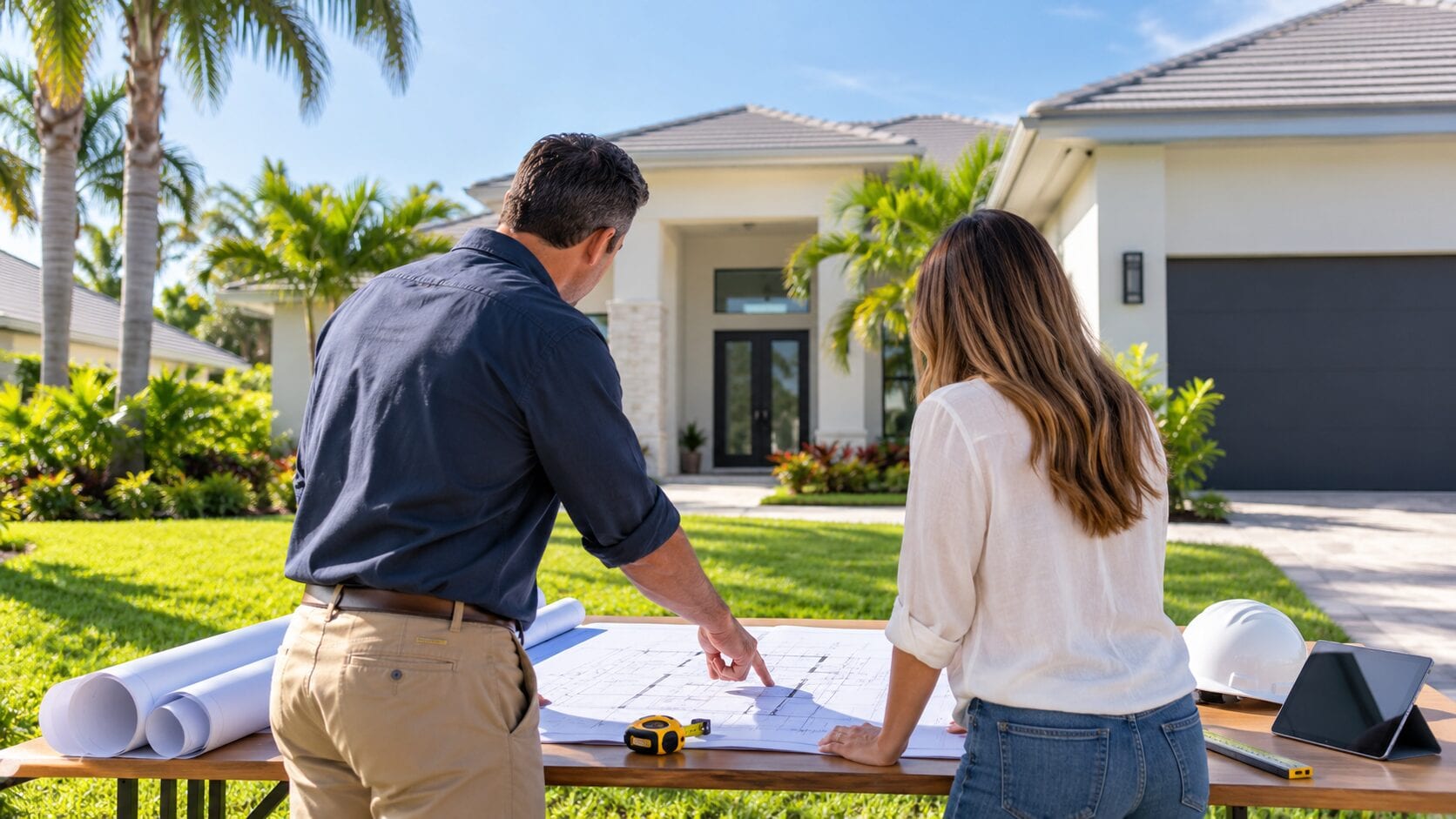
A home project often begins with design ideas, contractor estimates and a target date, but Wellington building permits can determine when work may legally begin.
The Village processes building permits electronically, and all building plans must be submitted through ProjectDox.
That does not mean every repair or improvement follows the same path.
Permit requirements, supporting documents, reviews and inspections depend on the project’s actual scope.
Before signing a construction schedule or ordering nonreturnable materials, confirm the requirements for the specific address and work.
Start with the correct application
Wellington’s building forms page includes packets for common projects such as air-conditioning changes, fences, generators, reroofing, screen enclosures, sheds, pools, solar panels, water heaters, windows and doors.
It also lists forms for new residential construction, plumbing, electrical work, demolition, driveways and other specialized projects.
The form list is a starting point rather than a determination that a project is approved or complete.
Residents should contact the Building Department when the correct packet, professional requirements or permit status is unclear.
How the electronic process begins
The current Guide to Permitting instructs applicants to email a completed permit application to buildingdocs@wellingtonfl.gov.
After staff enters the application, first-time users receive a ProjectDox email with a temporary password and login link.
Plans and supporting documents are then uploaded through ProjectDox, not attached as a substitute for the electronic plan-review process.
Wellington publishes specific file-naming and upload requirements, and ProjectDox uses pop-up windows.
The Village recommends calling 561-753-2430 or 561-363-7907 after a first upload task if the applicant wants staff to confirm it was completed correctly. |
 |
Track review, fees and permit status
The Building Department’s self-service portal allows users to pay permit fees, schedule inspections and check permit status.
Public permit information can also show workflow steps, fees, inspection status, submitted attachments, contacts and holds associated with a plan.
Fees vary with the type and value of work, plan review and other applicable Village or state charges.
The published fee schedule is detailed and subject to change through approved ordinances or resolutions, so applicants should use the current calculation rather than an old estimate.
A submitted application is not the same as an issued permit.
Do not treat a ProjectDox login, fee invoice or uploaded plan as authorization to begin work.
Prepare for building inspections
Inspections may be scheduled at any time for a future business day or by 5 p.m. for the following business day.
The approximate arrival time is emailed when the inspector routes the day’s inspections.
If that message does not arrive, the Village advises contacting the assigned inspector between 7 and 7:30 a.m. on the inspection morning.
Applicants can upload required inspection paperwork to the permit’s Inspection Documentation Folder in ProjectDox and should note its availability when requesting the inspection.
Wellington also offers text commands to schedule, cancel or obtain inspection results, while after-hours and weekend inspections are available only by request and availability.
A practical homeowner checklist
Define the work clearly, select the correct form, confirm who will apply, preserve every permit number and email, and track review comments until they are resolved.
Before each inspection, verify that the requested stage is ready and that required documents are available.
For project-specific questions, use the official Building Department contact information rather than relying solely on a contractor, neighbor or previous project.
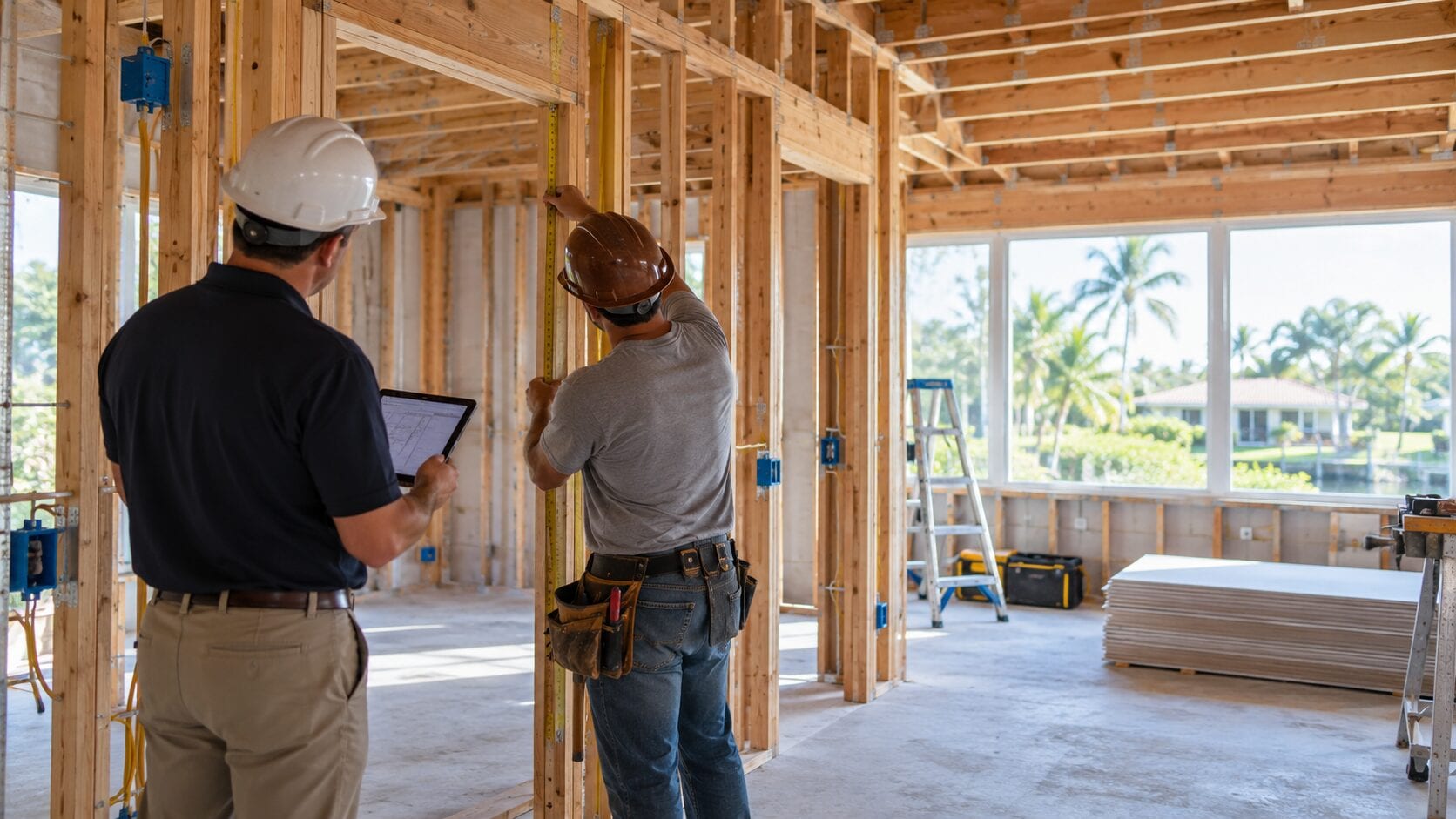
The accompanying images are AI-generated editorial concepts and do not depict an actual Wellington property, applicant, contractor, inspector or approved project. |
9 Comments
Join the conversation
We are planning to replace our fence, so I was glad to see there is a packet for that. I still need to check what our address requires.
Nina PatelGood idea. We checked before ordering our fence panels, and it saved us from having to change the plan later.
Glad the fence packet was helpful. Checking with the Building Department about your address and the scope of the replacement is a good next step.
The pop-up window requirement sounds like something people could easily miss. Does ProjectDox tell you if your browser is blocking a step?
Dave ThompsonI’m not sure if it warns you. I’d allow pop-ups before starting, just in case a blocked window is easy to miss.
Good question. We couldn’t confirm whether ProjectDox alerts you to a blocked pop-up, so it’s worth allowing pop-ups for the site and calling the Village if a step seems stuck.
It helps to know that plans go through ProjectDox after the application is submitted. I would probably call to check that my first upload went through.
Maria G.Same here. I’d rather make a quick call than find out later that a file didn’t go through.
That’s a sensible check. Wellington recommends calling 561-753-2430 or 561-363-7907 after your first upload task if you’d like staff to confirm it was completed correctly.